Explore More Music Tools
 Create beats, melodies, and songs.
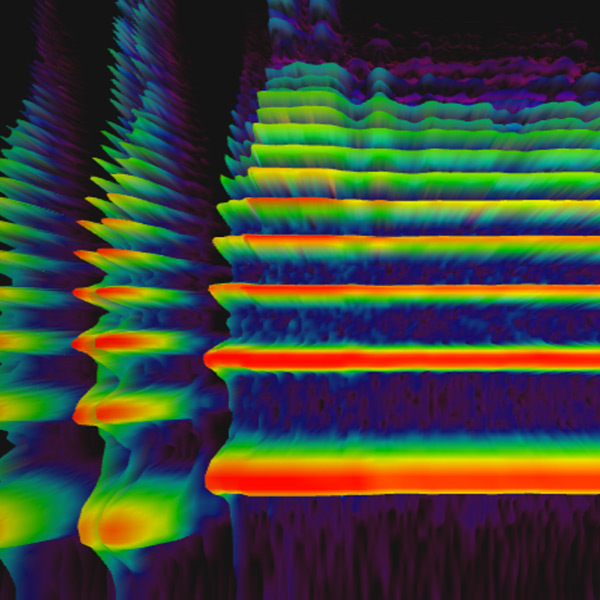 See sound frequencies over time.
 Build repeating percussion patterns.
 Make short melodies on a grid.
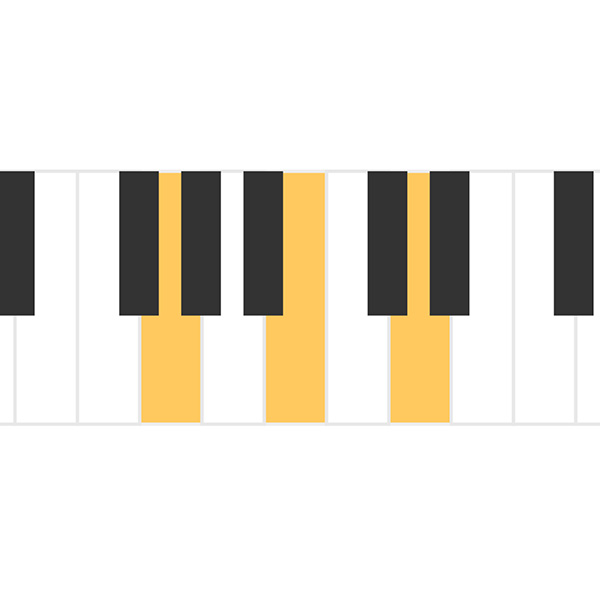 Hear three-note chord sounds.
 Play chord tones in patterns.
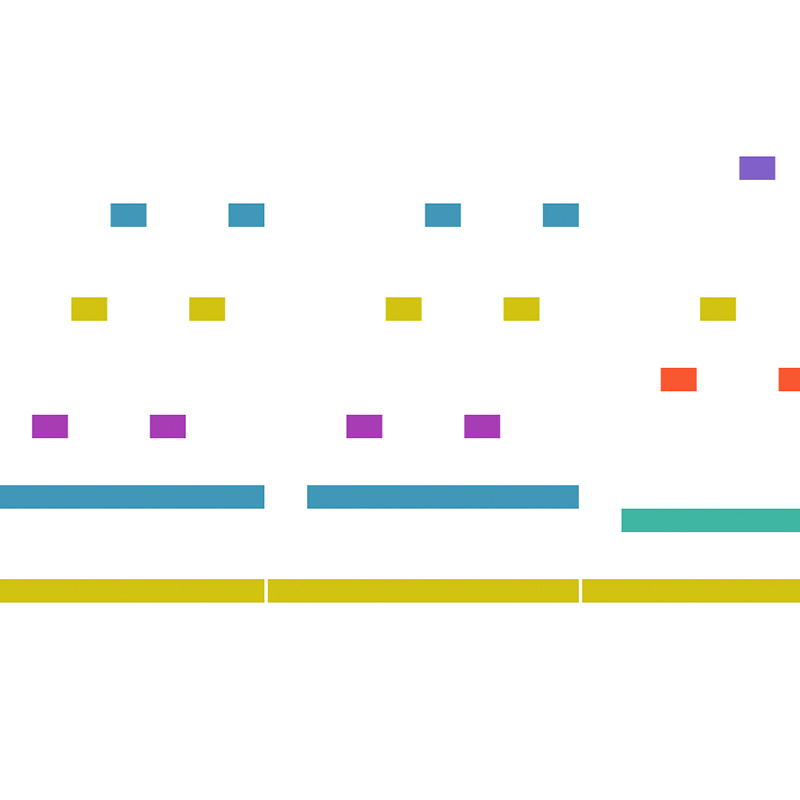 Watch notes flow like a roll.
 Turn drawings into sound.
 Change frequency and wave types.
 See sound move through air.
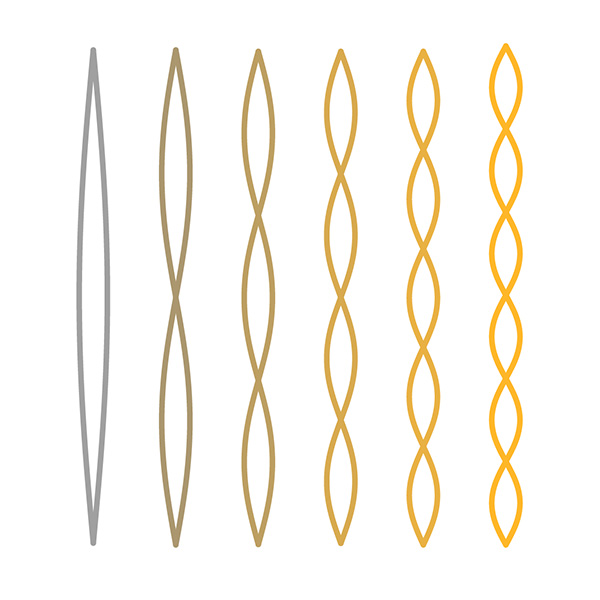 Explore overtones and intervals.
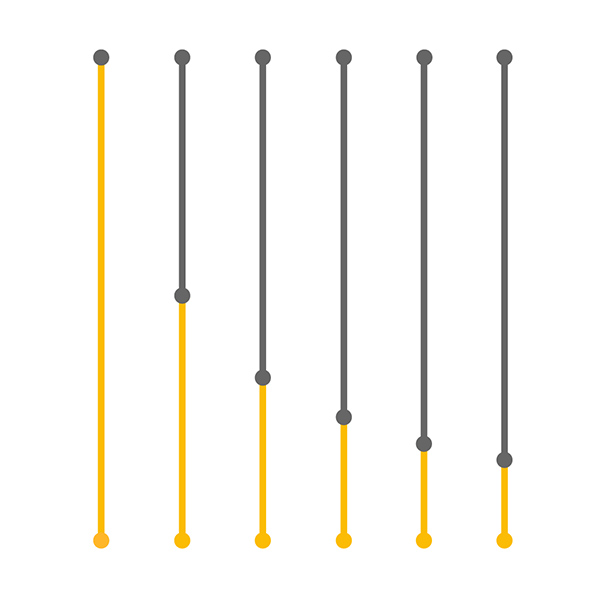 Compare string length and pitch.
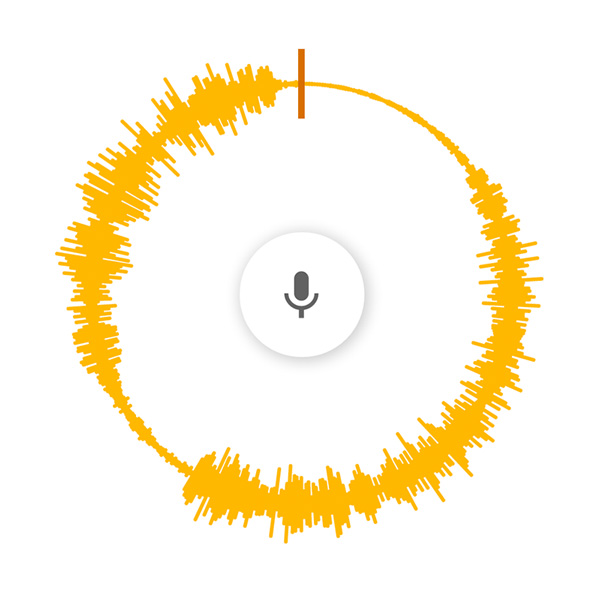 Spin voice speed and direction.
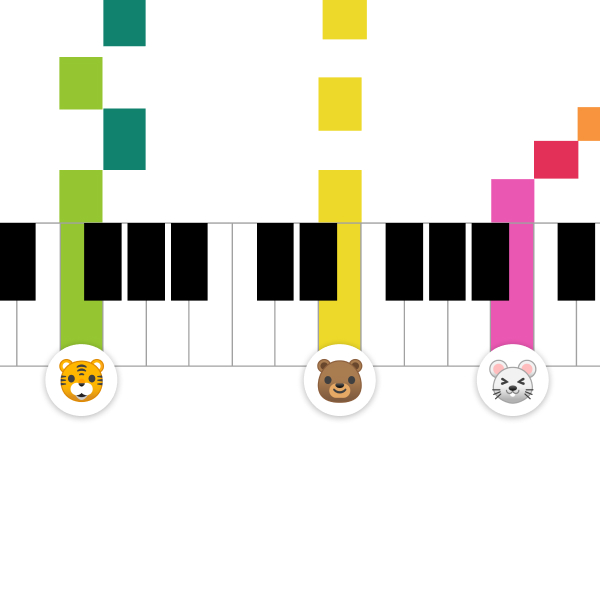 Share a live piano room.
Free online voice experiment
Voice Spinner
Use Voice Spinner to hear how playback speed and direction affect recorded voice pitch. Spin sound forward, backward, faster, or slower to explore pitch, time, and audio motion.
Change Speed and Pitch
When recorded sound plays faster, pitch usually rises. When it plays slower, pitch usually drops.
Reverse the Sound
Playing sound backward makes familiar speech feel strange and helps reveal sound as recorded motion over time.
Voice Spinner Practice Ideas
Record a Short Word
Use a brief sound so changes in speed and direction are easy to hear.
Slow It Down
Listen for how the voice becomes lower and longer when playback slows.
Speed It Up
Notice how faster playback makes the voice higher and shorter.
Play Backward
Reverse the sound to hear speech as texture instead of familiar words.
For Sound Experiments
Voice Spinner is useful for showing that recorded sound is stored over time. Changing playback changes how the same sound is heard.
For Pitch Awareness
The tool makes the connection between speed and pitch easy to hear. Faster vibration means higher pitch, and slower vibration means lower pitch.
FAQ
What is Voice Spinner?
Voice Spinner is a browser experiment for recording or playing a voice and changing its speed, pitch, and direction.
Why does speed change pitch?
When audio plays faster, its vibrations happen more quickly and the pitch rises. When it plays slower, the pitch drops.
Can I use my microphone?
Supported browsers can use microphone input after you grant permission.
Can Voice Spinner explain recorded audio?
Yes. It shows that recorded sound can be replayed through time in different directions and at different speeds.
Is Voice Spinner free?
Yes. You can use Voice Spinner in a browser without an account or installation.