Explore More Music Tools
 Create beats, melodies, and songs.
 See sound frequencies over time.
 Build repeating percussion patterns.
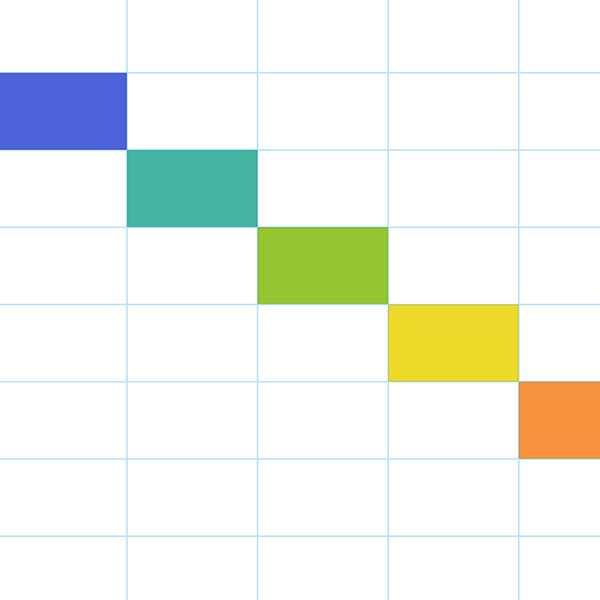 Make short melodies on a grid.
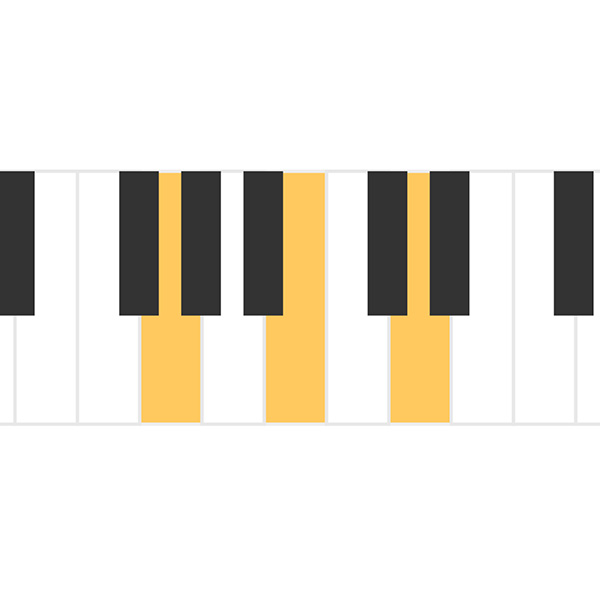 Hear three-note chord sounds.
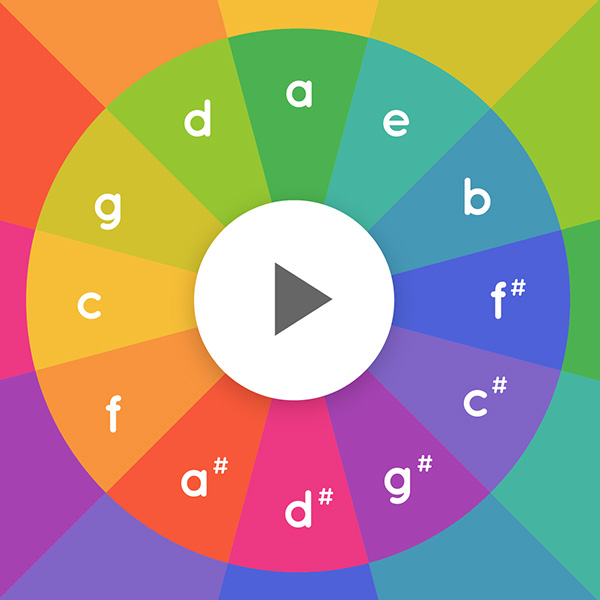 Play chord tones in patterns.
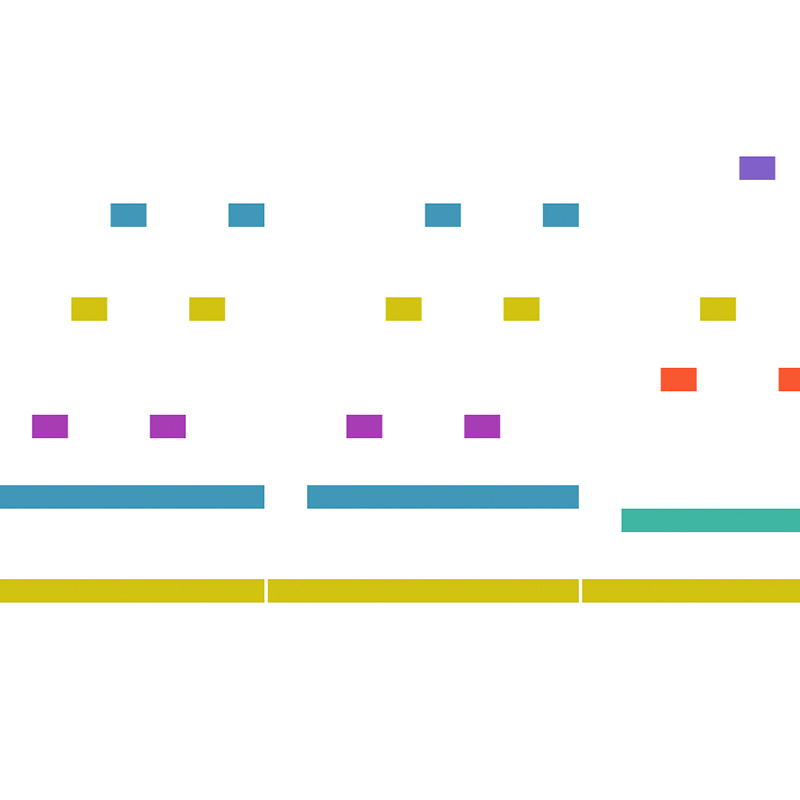 Watch notes flow like a roll.
 Turn drawings into sound.
 Change frequency and wave types.
 See sound move through air.
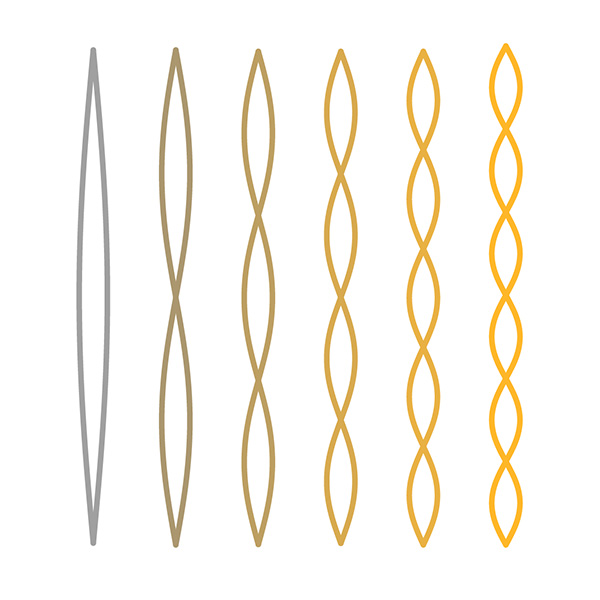 Explore overtones and intervals.
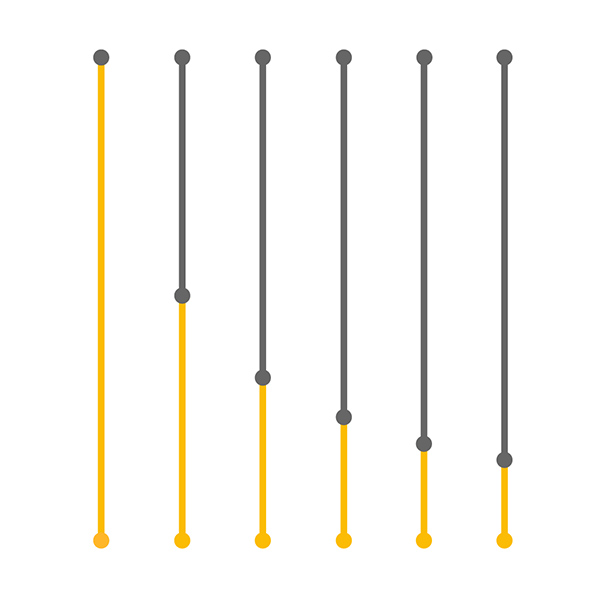 Compare string length and pitch.
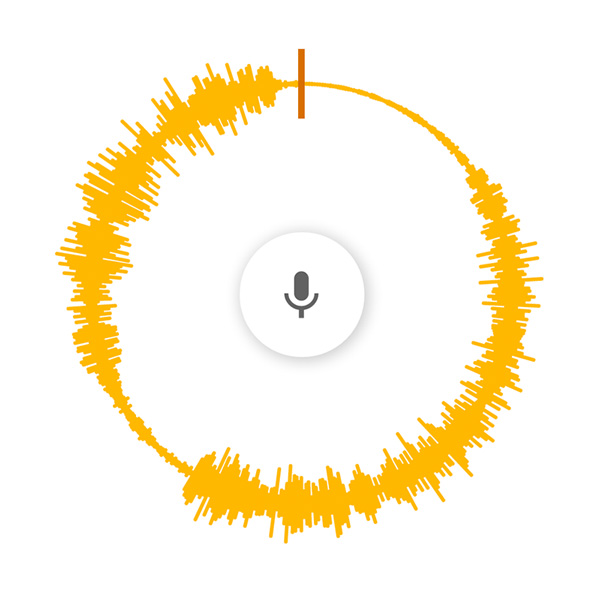 Spin voice speed and direction.
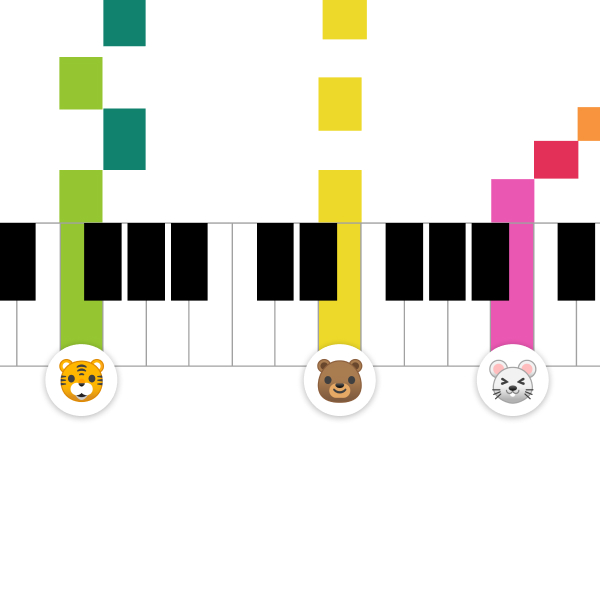 Share a live piano room.
Free online melody maker
Melody Maker
Use Melody Maker to create short musical ideas with a simple grid. Add notes, listen to the pattern, adjust the tempo, and explore how pitch and rhythm shape a melody.
Create Melodies on a Grid
Each note you place becomes part of a repeating phrase. Move notes higher or lower to change pitch, and space them differently to change the rhythm.
Simple Composition Practice
Melody Maker is useful for sketching ideas, teaching musical direction, and hearing how repeated shapes can become memorable tunes.
Ways to Use Melody Maker
Try Stepwise Motion
Place nearby notes to create a smooth melody that moves up or down gradually.
Use Repetition
Repeat a short pattern, then change the ending to make the tune feel complete.
Change Tempo
Speed up or slow down the playback to hear how tempo changes the character of the melody.
Teach Pitch
Use the grid to show how high and low notes create melodic contour.
Understand Melodic Shape
A melody has direction. Notes can rise, fall, repeat, leap, or move step by step. The grid makes that shape visible, so you can hear and see how the line moves through time.
Build Short Musical Phrases
Try making a four-note or eight-note idea, then adjust the ending. Small phrase endings can make a tune feel unfinished, surprising, or resolved.
Melody Practice Ideas
Repeat a Motif
Create a tiny pattern, repeat it, then change the final note to make a simple musical sentence.
Use High and Low Notes
Move between registers to hear how range changes the energy and character of a melody.
Leave Gaps
Use rests and empty spaces so the tune has breathing room instead of constant notes.
Change One Thing
Keep the rhythm the same while changing pitch, or keep the pitch shape while changing rhythm.
For Songwriting Starters
Melody Maker is useful when you want a quick tune without a full production setup. Once a phrase feels good, you can recreate it in Song Maker and add rhythm, harmony, and more structure.
For Ear Training
Listen to how nearby notes feel smoother while larger jumps feel more dramatic. Matching the visual pattern to the sound helps strengthen pitch awareness.
FAQ
What is Melody Maker?
Melody Maker is a simple browser tool for placing notes on a grid and hearing them play back as a melody.
How does Melody Maker work?
Time moves left to right and pitch moves low to high. Add notes to create a short tune, then listen and adjust the pattern.
Is Melody Maker good for learning music?
Yes. It helps beginners see how melody uses pitch, repetition, direction, and rhythm.
Is Melody Maker free?
Yes. You can use Melody Maker in a modern browser without an account or installation.
What makes a melody easy to remember?
A memorable melody often uses repetition, a clear shape, and small changes that make the phrase feel complete.
Can I use Melody Maker before Song Maker?
Yes. Melody Maker is useful for sketching a short tune before developing it with more instruments and rhythm in Song Maker.