Explore More Music Tools
 Create beats, melodies, and songs.
 See sound frequencies over time.
 Build repeating percussion patterns.
 Make short melodies on a grid.
 Hear three-note chord sounds.
 Play chord tones in patterns.
 Watch notes flow like a roll.
 Turn drawings into sound.
 Change frequency and wave types.
 See sound move through air.
 Explore overtones and intervals.
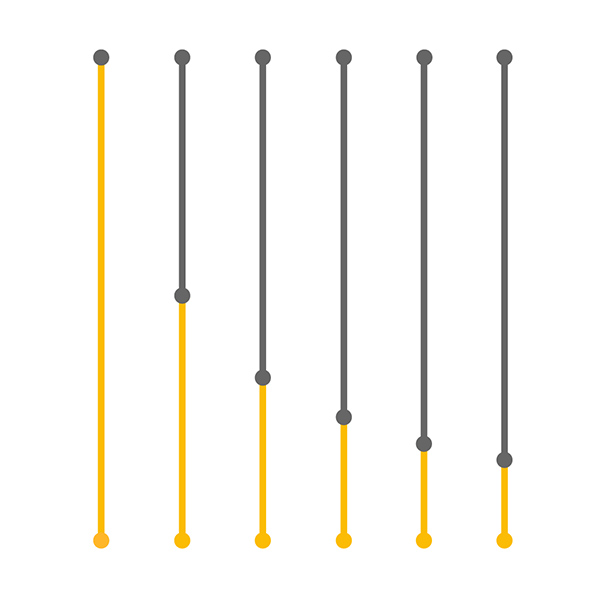 Compare string length and pitch.
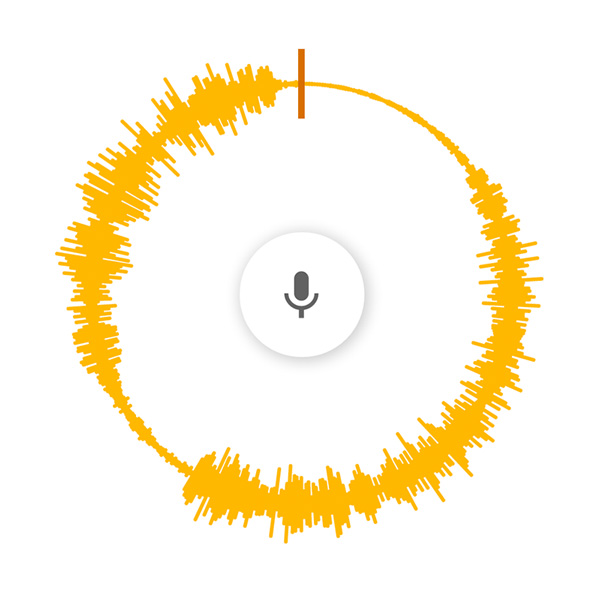 Spin voice speed and direction.
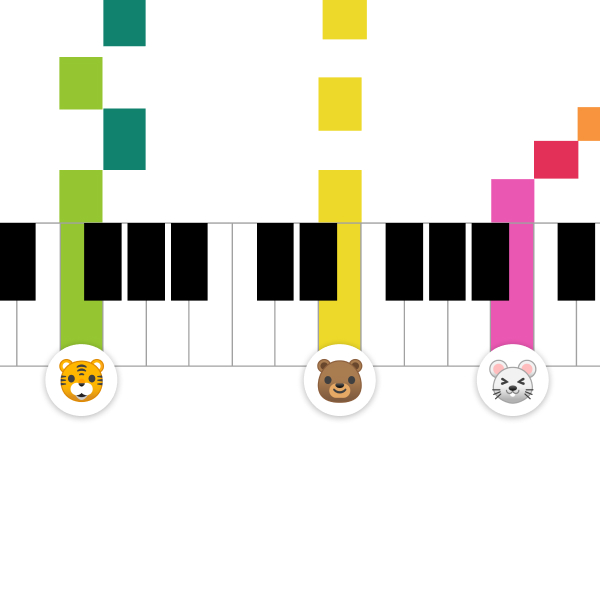 Share a live piano room.
Free online rhythm tool
Rhythm
Use Rhythm to build simple beats and hear how percussion patterns repeat over time. It is a quick way to explore pulse, timing, groove, and musical structure directly in your browser.
Make Beat Patterns Visually
Rhythm turns beat making into a visual loop. Try different percussion sounds, add or remove hits, and listen to how each small change affects the full pattern.
Learn Timing by Listening
The loop helps you hear steady pulse, repeated accents, and layered percussion. It is useful for beginners, classrooms, and quick rhythm experiments.
Ways to Explore Rhythm
Build a Groove
Start with a few hits, then add more notes until the beat feels balanced.
Compare Percussion
Switch sounds and notice how different drums change the feel of the same pattern.
Practice Repetition
Listen to how loops create structure and make short ideas easy to remember.
Teach Pulse
Use the visual pattern to explain steady beat, accents, and call-and-response ideas.
What Rhythm Helps You Understand
Rhythm is about where sounds happen in time. By turning percussion hits on and off, you can hear how steady beats, rests, repeated accents, and layered parts combine into a groove.
Good for Quick Beat Experiments
Use the tool to test simple rhythm ideas before moving into Song Maker or another music app. It is a good place to compare sparse patterns, busy patterns, and beats that leave more space.
Rhythm Practice Ideas
Start With One Sound
Make a simple pulse first, then decide which beats feel strong and which beats can stay empty.
Add a Second Layer
Combine two percussion sounds so one keeps the beat while the other adds movement or syncopation.
Use Space
Remove some notes and listen to how rests can make a beat clearer and more memorable.
Copy and Change
Repeat a pattern, then change one or two hits to hear how variation keeps a loop interesting.
For Beginners and Teachers
The visual layout makes rhythm easier to discuss because students can point to where sounds happen. Teachers can use it to introduce beat, measure, pattern, repetition, and call-and-response activities.
From Beats to Songs
After building a rhythm, open Song Maker to add melody and harmony. A clear beat can become the foundation for a fuller musical idea.
FAQ
What is Rhythm?
Rhythm is a browser-based music tool for exploring beats, timing, percussion, and repeated patterns.
Can beginners use Rhythm?
Yes. Rhythm is visual and easy to try, so beginners can build beat patterns without reading notation.
What can I learn from Rhythm?
You can learn how beats repeat, how percussion parts fit together, and how small timing changes affect a groove.
Is Rhythm free?
Yes. You can open Rhythm in your browser and start experimenting without an account or installation.
Can Rhythm be used in music class?
Yes. Rhythm works well for short classroom activities about pulse, beat placement, repetition, and percussion layers.
How can I make a rhythm sound more interesting?
Start with a steady beat, then add accents, rests, and a second percussion part to create contrast.